





Getting started


Download the App
 Search and download the App

or scan this QR code

 Login-Register
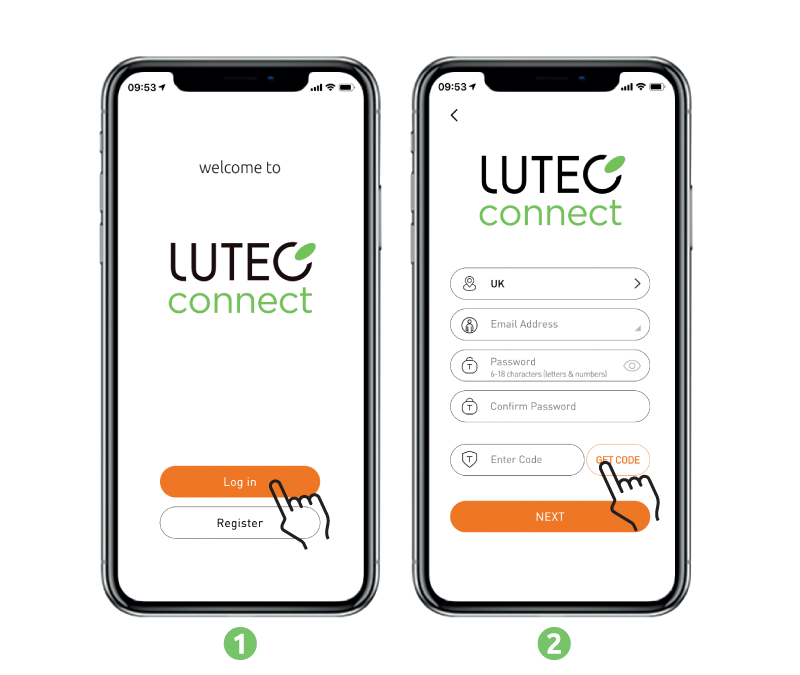
- Press Register to open an account
- Enter your email address, set a new password (combination of 6 to 18 numbers and letters no special characters), press Get Code
- Enter the code you received, and then press Next
 Login-With Existing Account
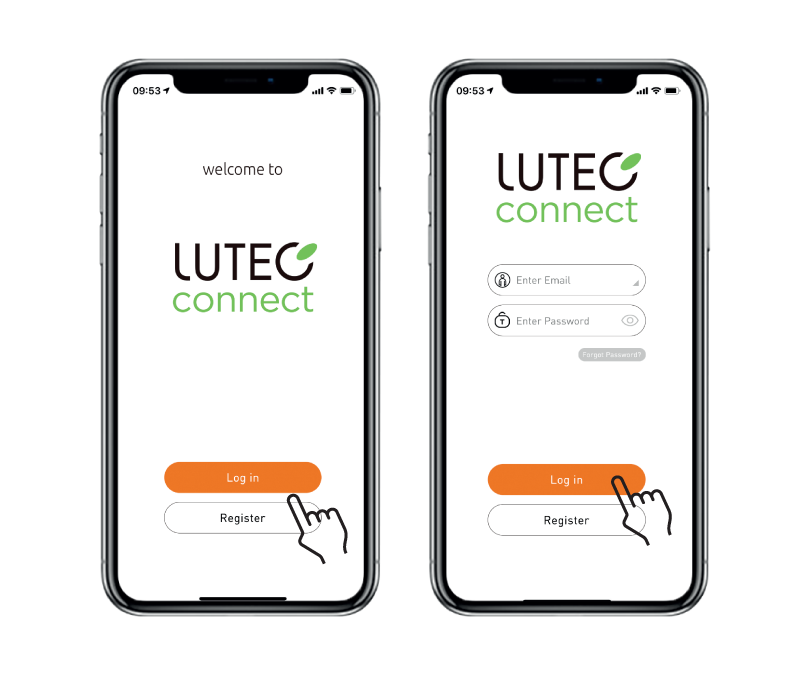
- Press Log in
- Enter your email address, and password, press Log in
 For more help, watch the video
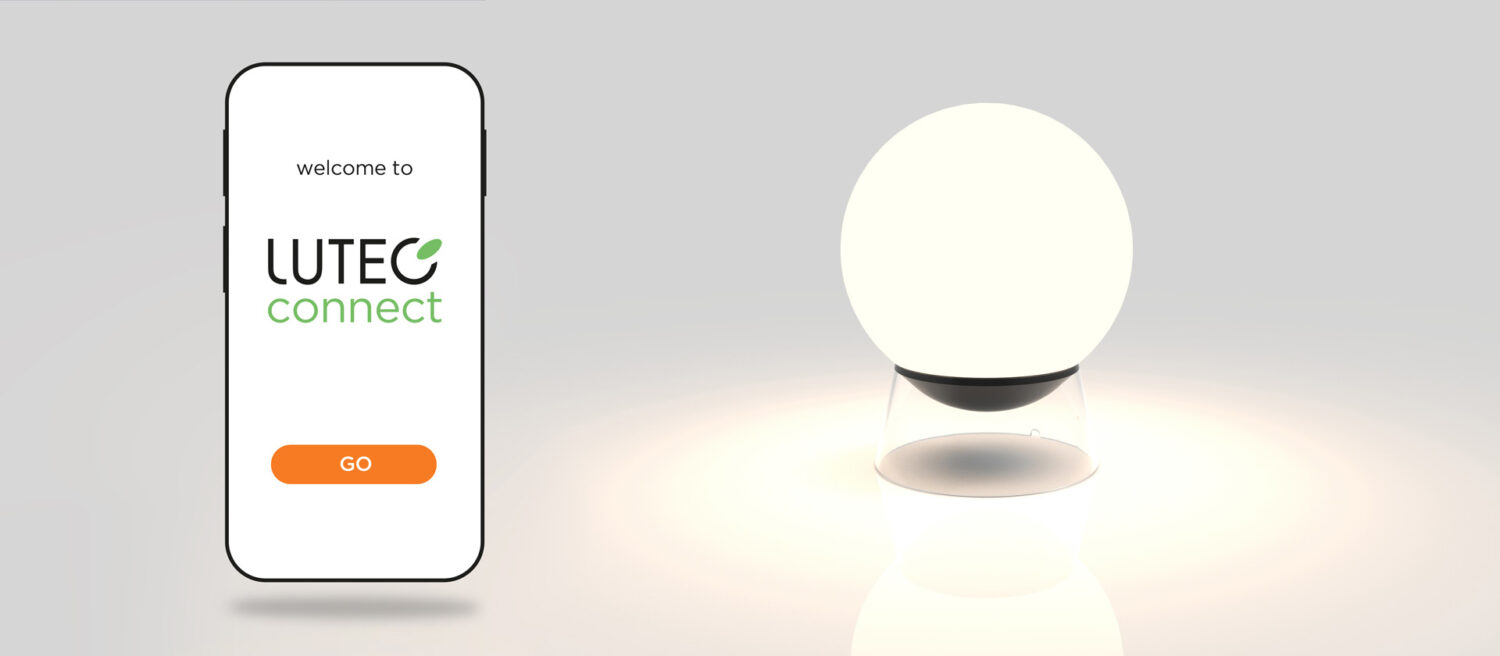
I prefer to not use the app
If you want to use the light without app, please refer to this guide.
1 – Regular Light
After pulsing for 30 seconds, switch off the lamp.
The next time you switch it on,pairing mode (flickering) is cancelled.
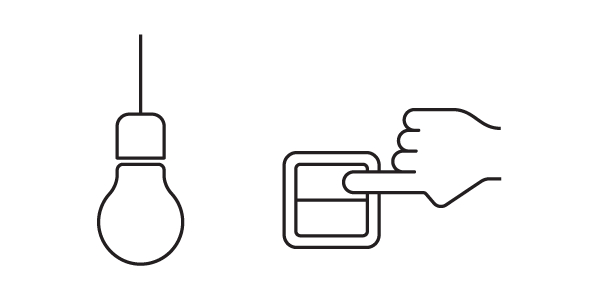
To re-enter pairing mode – 5 switch on/off
2 – Battery Light
After pulsing for 10 seconds, press the button, pairing mode (flickering) is cancelled.
To re-enter pairing mode – press the button for 10s

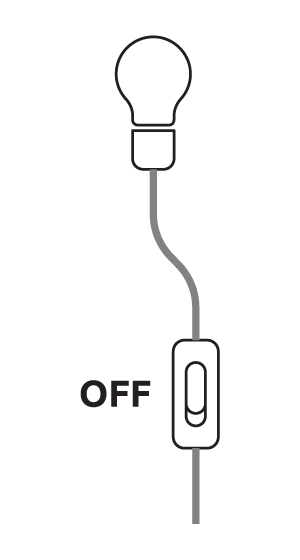
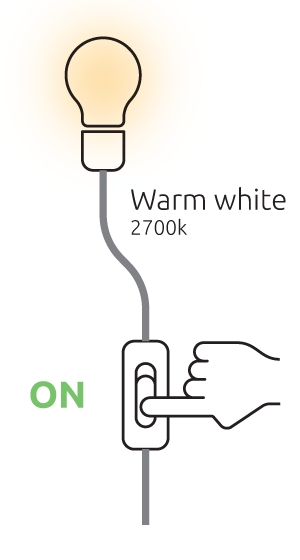
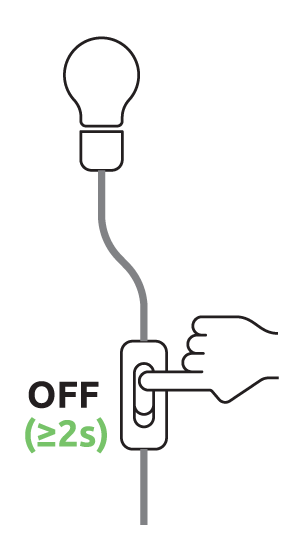
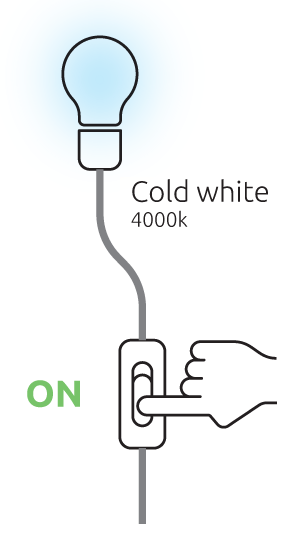
Built in switch control (2 in 1)
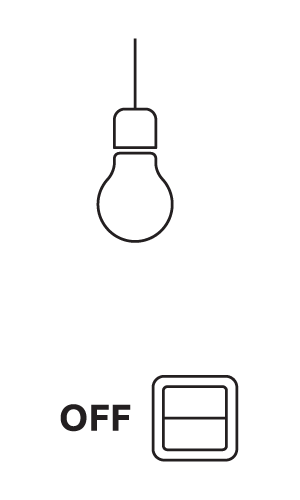
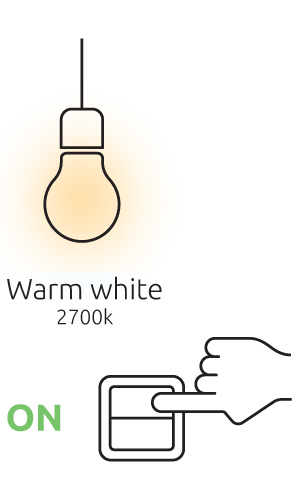
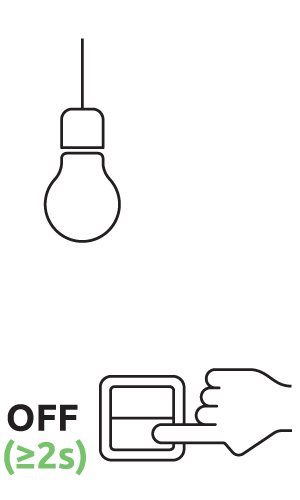
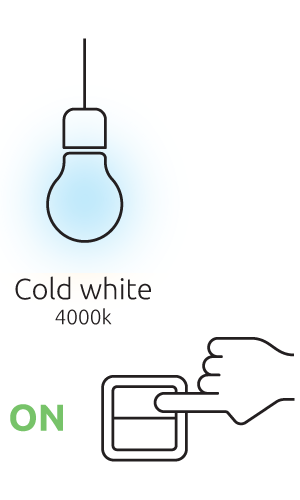
Built in switch control means you can switch from a warm white colour temperature to a cold white with 2 clicks using any kind of switch.
This allows you to easily change your lighting ambience depending your mood or
your activity.
Regular Light
Wire Switch Light